Not many of you know that photography has been a hobby of mine since high school. Students today have the ease of working without chemicals in a darkroom or paying to have film processed. (I'm jealous.) Today I came across some wonderful infographics for photography teachers to hang in their classrooms. They are all visually beautiful and can act as guides for your students. I made sure to download only high resolution graphics so enlarging them will be clear and unpixelated. Thank you to all the credited creators of these works!
Those of you who have followed this blog know that I love infographics. As a media specialist, I used them to create visual tutorials for my students. For those of you who would like to be designers but do not have the skill, Venngage is the answer. With its easy to use interface, anyone can create beautiful posters, brochures, reports, flyers and much more. How about an infographic resume? Currently there are nine designs to choose from; two are with the free account. The one on the extreme right is a premium resume template.
The first thing I noticed when logging into my account was that under "templates" there were five main categories: infographics, reports, posters, promotions and social. Each of those categories has several subcategories, and the choices are many! Here's an example on the left of what's under the "infographics" category.
Depending on your level of expertise, you can choose beginner, intermediate or advanced templates. All are labeled so you can choose easily. If you have a free account, the number of infographics, charts, icons, themes, templates and uploads are limited. Venngage branding is also on your final product.
Educators will be happy to know that special pricing of $99.00/year covers premium features, 35 accounts for students and teachers and class sharing. A 14-day free trialis available. Education pricing is here.
Premium accounts have unlimited use of templates, charts, icons, themes and uploads. Pricing is here, and features of the premium account can be found here.
Recently, Venngage introduced Venngage for Business, which is perfect for small businesses which don't have their own graphic designer on staff and normally would have trouble allocating the funds for a company to do all their design work. After all, professional freelancers could charge thousands of dollars to design infographics, posters, promotions, brochures and social media related graphics. Perhaps you own restaurant and need a new menu design?
Business accounts also have a Manage Your Team option, where two members of your team are given access to all the features of your premium account.
Business accounts are divided into two categories: for profit and non profit. When paid yearly, the cost for non profits is only $20.00/month. Both types of business accounts have the same premium benefits and a branding kit which gives you the opportunity to save your company logo and special colors, fonts and sizes. Allow me to show you how incredibly easy it is to get started with Venngage.
Before beginning to work with a template, I decided to view the getting started video as seen here:
There is a whole page of instructional videos to help you with every aspect of the program, so you never have to feel lost or confused. I started out with a beginner template and found the drag and drop interface very easy to use. I then tackled an intermediate template and uploaded a few of my own images to the site.
As you can see from the two examples, I was able to easily substitute the template information with my own information. Between the two infographics, I changed the background color, fonts, moved text, added icons, changed the border size on the circles, and added my own photos. Not bad for the very first time using Venngage!
If you would like to see the terrific projects people are creating with Venngage, all you have to do is click on the community page, and there you will find recently published projects.
Venngage's blog has a variety of helpful articles, such as 7 Mistakes to Avoid When Creating an Infographic, How to Make a Timeline Infographic in 6 Easy Steps and 5 Strategies to Engage Students Using Education Infographics. Whether you're a small business, an educator, or someone who just wants to be creative with social media.....you should give Venngage a try. You won't be disappointed.
I can't believe it is that time of the year already! Some of you have already ended your school year and others are following a totally different schedule with year-round classes. In case you missed them, here are the top 12 posts from September 2014-June 2015. Have a wonderful summer, whatever you do!
If you are new to this blog, you might not have taken a look at all the tabs located at the top of the page. Under "Infographics" you will find resources from creation to examples by subject area. This past week I taught a few classes on infographics and decided to update the page by adding a section called "Teaching With Infographics". It is important for your students to make sure that they evaluate any infographics they are using, by making sure the author/creator has cited their references. Misinformation on the web exists. Have students read these tips to make a better infographic. Below is the new list which was added. NOTE: I found Piktochart to be an easy way for our students to make their own infographics, which is why there are many videos listed. You can find everything about infographics HERE.
It’s not a new discussion (see “For Further reading” below). It’s certainly not a discussion with an easy resolution. Just think of all the titles you, your school, your district, and the public struggle to figure out what to call you: school librarian, school library media specialist, teacher-librarian, technology “tech” coach, instructional technology coach (or just instructional coach), peer coach, classroom tech coach, 21st Century technology literacy coach, technology integration coach, or facilitator or coordinator or resource or support or leader or...
Without a doubt our own identity crisis only adds to the confusion. Earlier this year I created an infographic illustrating the overlap of a school librarian’s role with that of a classroom teacher.
So I decided to try my hand at creating an infographic to attempt to decipher the roles of school librarian and technology coach.
Before I did a search for icons to use from http://www.iconarchive.com, I thought I might use photos. I did a search on http://search.creativecommons.org/ focusing on Google Images and typed in “cool librarian.” Most of the resulting pictures included books. Then I used the same site to do a search for “tech coach” -Texas. (Try the search; you’ll see why I omitted ‘Texas.’) Most of these picture results included computers.
Herein lies the predicament #1. As my photo search reminded me with a metaphorical slap to the head, school librarians are historically, traditionally, perpetually perceived as the keeper-of-the-books. Nevertheless, school librarians are equally, if not differently, qualified to be technology coaches.
What I’ve learned from attending (many) workshops and reading (even more) testimonials is that what makes a great technology coach is relationships. Period. While it helps to be aware of...
… the differences between information literacy and technology literacy,
… and that technology troubleshooting is part of computer literacy,
and it is invaluable to remember that …
... no matter what, our focus should always be on student learning,
the bottom line is trust. People in the role of technology coach must be perceived as peers and partners not penalties and punishments. School librarians and technology coaches both exist to make the teachers look good and be more effective not to report back to administration that so-and-so is a resistant technophobe or an old dog who won’t learn new tricks.
Herein lies predicament #2: Consider a school librarian’s effect: If we’ve done our jobs well in collaborating with a classroom teacher and planning/supporting a lesson, the classroom teacher shines, and the school librarian is invisible. (Unless we’re co-teaching, naturally.) The very nature of our jobs jeopardized our own opportunities for widespread, school community acknowledgement of our technological talents. Even the job title some librarians prefer - ‘specialist’ - pigeonholes us. Technology coaches don’t use the term ‘specialist;’ they use coach or facilitator or coordinator or resource or support or leader or...
We already are our schools’ technology coaches. In addition to being the keeper-of-the-books and all that entails, is there anything in this list or on the infographic that you do not do? (If there is, you should be doing it!)
provide access to information
align standards
assess online resources
collaborate at all levels
create digital content
develop and implement digital literacy curricula
promote digital ethics
serve multiple grades
provide in-house resources
collaborate on lesson plans
model lifelong learning
apply multiple modes of contact
facilitate eLearning
create rubrics
provide in-context teacher technology training
train staff and students to incorporate technology
teach by standards
participate in strategic planning
implement pre-assessments
implement post-assessments
remediate students
provide teaching staff P.D. training
recommend technology infrastructure
provide support staff’s P.D. training
manage video-conferencing
provide Web access to resources
participate in troubleshooting
What you can do...If you know you do all of these things, or could do all of these things, but your school district is jumping on the trendy technology coach bandwagon...
◇ Show the infographic to your administrators ◇ Get your board-approved job description to include the things you really do, not what they think you do ◇ Work with the willing: work with the teachers with whom you already have trusting relationships and ask them to help you entice the doubters by touting their own successes with your services ◇ Make sure you’re on your district’s technology committee and strategic planning committee ◇ Volunteer to present at department meetings and board meetings ◇ Stay up-to-date on school technology through journals, blogs, workshops, conferences, etc., and then share what you learn with your colleagues and administration.
At the very least, ask questions:
If staff development has no time to implement technology coaching now, how will this differ or enhance the P.D. staff receives from the current model?
If the library media center (i.e., school librarian) researches, acquires, maintains and trains on digital content, is a redundant but separate system being created or will the educational technology coach(es) and the school librarian(s) be working in tandem? What is the role of the school librarian as we see it vs. how administration sees it?
Is the educational technology coach a district position or a school position?
Don’t be shy. Don’t be passive. We help ourselves to help others when we help others know about how we help. Or as Douglas Adams wrote in The Hitchhiker's Guide to the Galaxy, “Zaphod marched quickly down the passageway, nervous as hell, but trying to hide it by striding purposefully.” Stride purposefully; you already are your school’s technology coach because you are a school librarian.
For further reading:
Beglau, Monica, Jana C. Hare, Les Foltos, et al. International Society for Technology in
I am a very visual person, which is why I love using infographics in the classroom. Did you ever notice how your students take notes in your class? Here's a great video which discusses the art of visual note-taking. Thanks to Joyce Valenza for sharing on Twitter.
If you've never seen a LiveBinder, let me introduce you to them. LiveBinders are your 3-ring binders for the web. Think of them as resource links in a virtual binder. LiveBinders is offered for free and allows you to add as many tabs as you like to your binder. The following are mainly for my fellow teacher-librarians and media specialists, but there are several that many of you tech geeks should love. NOTE: This post will also be added to the page for Teacher-Librarians and Media Specialists.
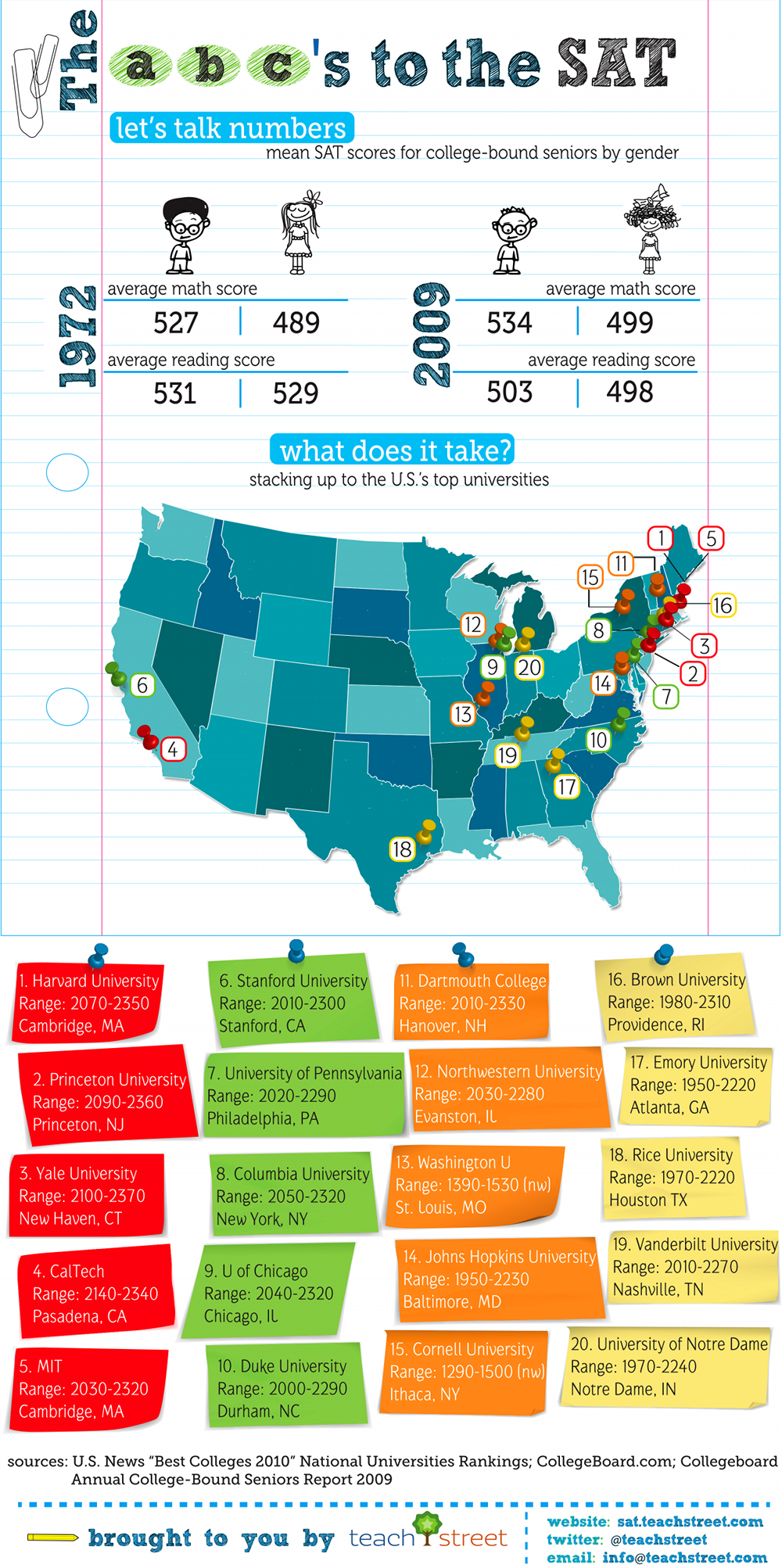
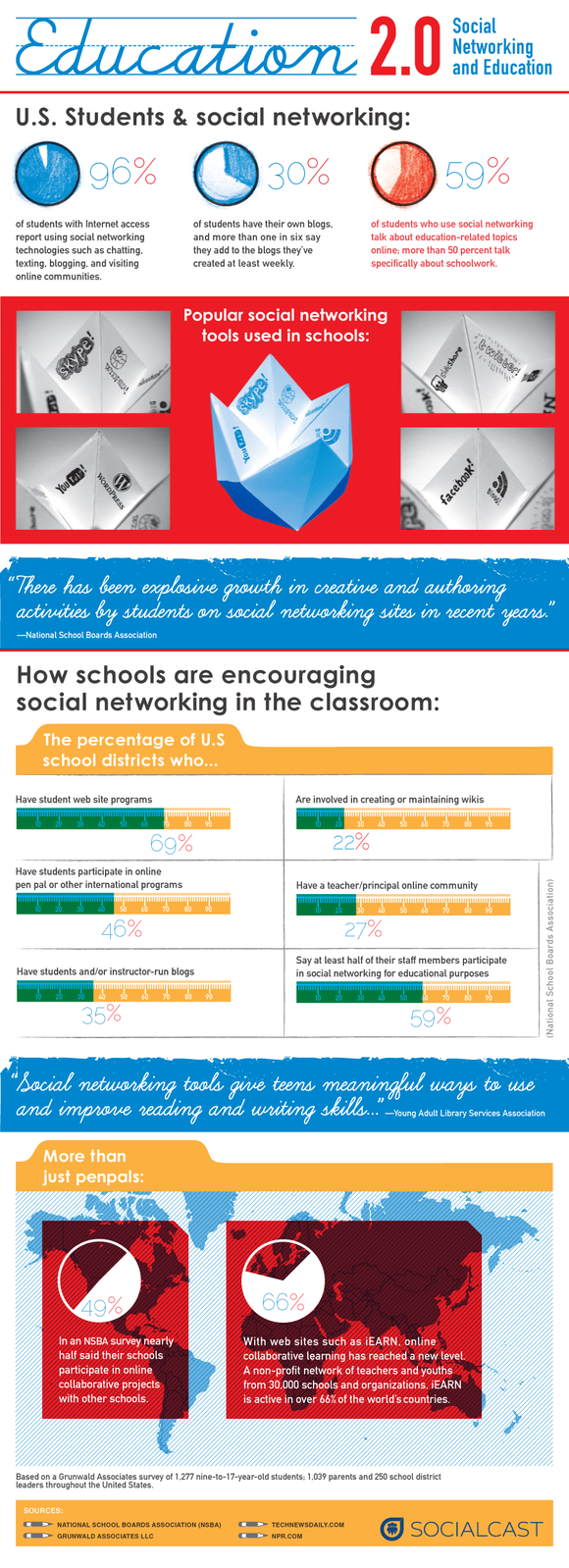
We live in a visual world. Our students spend hours every day on their cell phones, computers and computer games. So what better way to teach a particular subject then by using an infographic. If you've never heard of this wonderful teaching tool, let me explain; infographics are a visual representation of information, facts or knowledge. If you've ever ridden the subway, I'm sure you noticed the subway map which displayed all the different trains and their routes. (color-coded) That poster is an infographic. Take a look at some of the 118 resources below and you'll see what a great addition to a lesson plan an infographic can make.
Teaching With Infographics: Places to Start- from the New York Times; examples shared over five days. Includes a section on the page entitled "Places to Start Learning About Infographics."
Flowing Data-collection includes the Kennedy family tree, Evolution of the Two-Party Vote During the Past Century and What Generation Do You Belong To?